Video tutorials

Driver assist systems
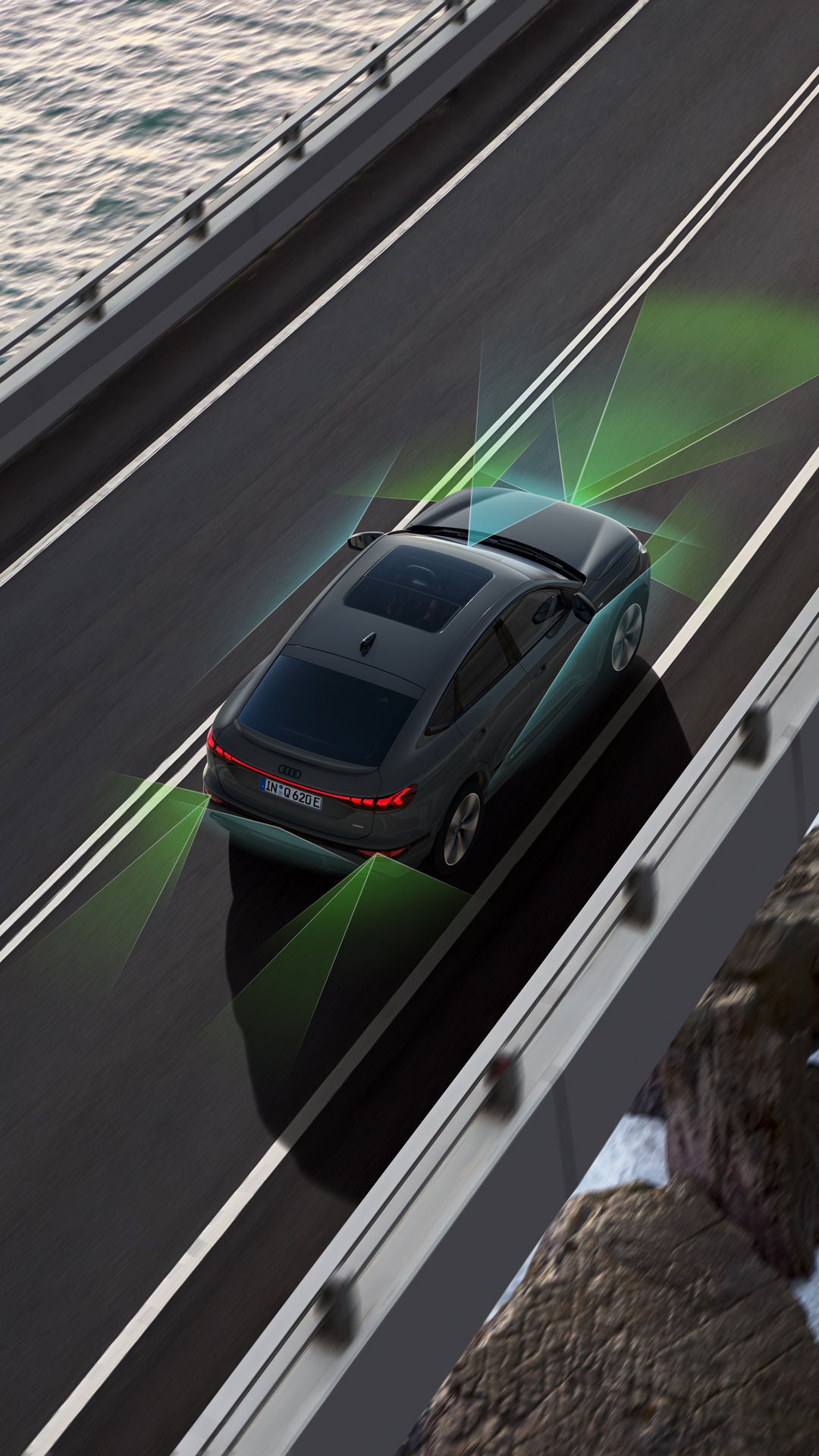
Bird's-eye view of an Audi Q6 e-tron driving over a bridge. Below it are water and rocks. Sensors are graphically indicated around the Q6, symbolising the driver assist systems.

Driver assist systems at a glance.

Intelligent assist system make everyday life easier and make driving more convenient. Whether you want to learn more about assisted parking, speed warnings or traffic sign recognition – our video tutorials provide the answers. Learn how to use the systems optimally and tailor them to your needs.
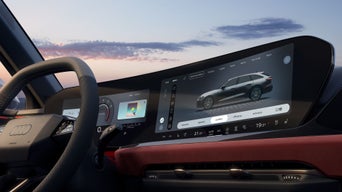

Close-up of the interior cockpit of an Audi, taken from the passenger side. The focus is on the centre display.

Adjusting assist systems and checking warnings.

Your Audi supports you with numerous driver assist systems for increased safety and comfort. You have all of them in view on the MMI. Simply adjust them there to suit your needs. You will receive a warning if a function if currently unavailable. With just a few clicks, you can view all collected notifications in the warning log and thus keep an overview.

Close-up of the interior cockpit of an Audi, taken from the front on the driver's side. Male hands grip the steering wheel. Traffic signs are projected onto the windscreen.

Adjust the speed warning of the camera-based traffic sign recognition.

The camera-based traffic sign recognition helps you keep an eye on speed limits. Adjust the warnings on the MMI or deactivate the function using the star button. For trailers, you can store a specific speed limit. Please note that, for legal reasons, the speed warning automatically reactivates every time the vehicle is started. To avoid functional limitations, always keep the windscreen in front of the camera sensor clean.

Bird's-eye view of an Audi Q5 driving along a motorway past a coastal landscape. Sensors are graphically indicated around the Q5 to symbolise the driver assistance systems.

Using adaptive cruise control with distance control.

With adaptive cruise control with distance control, you can drive in a more relaxed fashion. For example, you can activate the assistant via 'SET', select the distance and your Audi will automatically maintain speed and distance for you. You can temporarily reduce the distance using the lever on the steering wheel. Once the action has been completed, the system resets everything. Perfect for traffic jams, country roads or your daily commute.

Extreme bird's-eye view of a red car driving through a mountainous, winding landscape.

Setting the predictive speed limite.

Your Audi can recognise traffic signs and the course of the road in order to automatically adjust your speed. The system reacts not only to speed limits, but also to bends, roundabouts and motorway exits. In the tutorial, you’ll learn how to activate the predictive speed limiter and how to confirm speed limits manually. You’ll also see what adjustments you can make in the driver assist menu.

Close-up of the interior cockpit of an Audi, taken from behind the driver's seat at an angle. A woman is sitting at the wheel. She is looking at a coastal landscape. Her eyes can be seen in the rear-view mirror.

Learn how the driver attention and fatigue monitor works.

The video tutorial shows you how the system analyses your driving behaviour and, if the so-called driver availability camera is installed, monitors your eye and head movements to detect fatigue or distraction. The warning levels for detected loss of attention are explained and you are shown how you can deactivate the function if needed.

Scenic driving shot of an Audi Q6 e-tron on a motorway. To its right is water, with mountains in the background. Above it is a light cloud cover with the sun behind it.

Understanding the lane departure warning and how it works.

Stay in lane: the lane departure warning detects lane markings and warns you if you unintentionally leave your lane – at speeds above 65 km/h. If the vehicle is about to drift out of lane, you are warned by corrective steering and steering wheel vibration. If you fail to react over a longer period, the emergency assist may be activated. But unlike lane centre guidance, the lane departure warning does not actively keep your vehicle in the middle of the lane. You can adjust or deactivate the warning in the driver assist menu. Please note that, due to legal stipulations, the function automatically reactivates every time the vehicle is started.

Photograph of an Audi A6 e-tron taken from above at an angle through a window. The grey window frame is blurred in the foreground. A man in a blue suit and glasses stands in front of the Audi, looking to the left.

Park in and out with ease with park assist plus.

Park assist plus helps you find a suitable parking space and takes over parking in and out almost autonomously. Drive past slowly and the system will search for suitable perpendicular or parallel parking spaces. Once you’ve chose a space, your Audi can park for you. In parallel parking spaces, the assist system can also exit the space for you.

Driving shot of an Audi A6 in the city. The weather is good. Futuristic buildings can be seen in the background.

Change lanes with ease with adaptive cruise assist plus.

Adaptive cruise assist plus is helpful, especially in heavy traffic on the motorway, for performing assisted lane changes. When you activate the indicator, your Audi steers you into the other lane. The system aborts the manoeuvre automatically if another vehicle is blocking the lane, if a faster vehicle is approaching from behind or if a solid line is detected. You can intervene at any time by countersteering or by indicating in the opposite direction.

Loading..