Video tutorials

Audi connect and other digital services
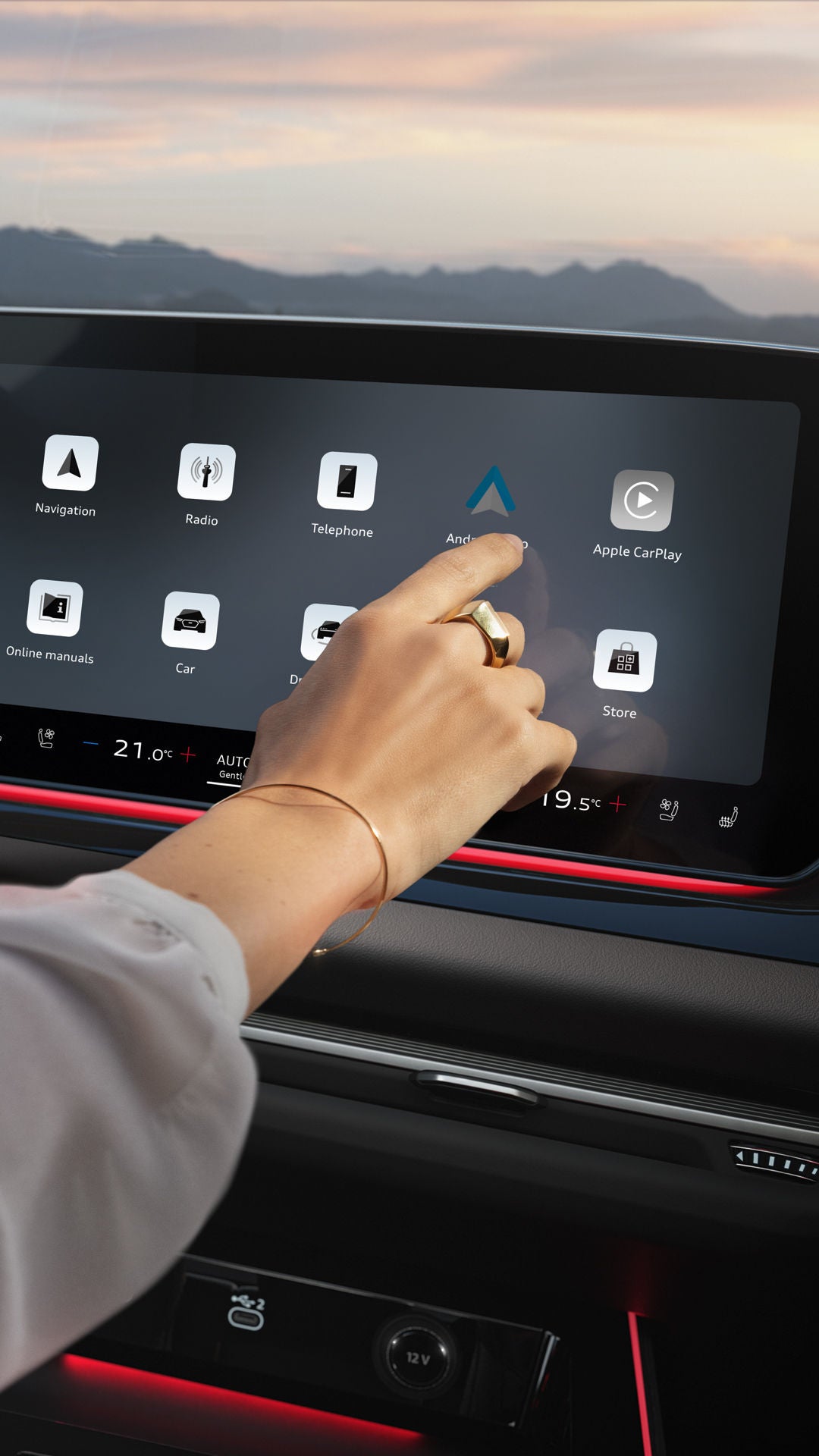
Close-up of the interior cockpit of an Audi: the steering wheel on the left, an illuminated display with app icons in the centre. A woman's arm extends into the picture from the left and taps on the display.

Audi connect and other digital services.

Reach your destination faster, detect hazards early, enjoy in-car entertainment or control the vehicle using your voice – the Audi connect services and other digital services open up a wide range of possibilities. In the videos, you will find clear step-by-step explanations about the initial set-up, activation and use of individual functions. Discover how to connect your Audi even more seamlessly with your digital everyday life.


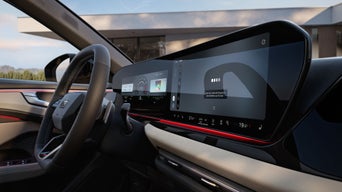
Close-up of the interior cockpit of an Audi, taken from a diagonal angle below on the right. The focus is on the illuminated centre display and the steering wheel.

Setting up Audi connect navigation & infotainment.

Your Audi connect navigation & infotainment package offers additional useful services. Find out how to activate and use these.

Close-up of the interior cockpit of an Audi, taken from behind the driver's seat at an angle. A woman is sitting at the wheel. She is looking at a winding road. Her eyes can be seen in the rear-view mirror.

Receive early warnings with the online-based hazard alerts.

Your Audi warns you of hazards on your route based on data from other vehicles. This is what the warning symbols mean.

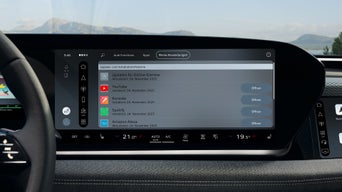
Close-up of the centre display in the cockpit of an Audi. The current screen offers the option of opening various apps, such as YouTube or Spotify.

Installing apps in your Audi via the Audi Application Store.

Bring your favourite apps into your Audi. Use the Audi Application Store to install and organise apps such as Spotify, Disney+ or YouTube on the MMI or on the MMI front passenger display.

Scenic outdoor shot at sunset in front of a coastal backdrop: in the foreground, the front of an Audi with its headlights on. Behind it stands a dark-haired woman wearing a white jacket.

Activating included data volume – for apps in the vehicle and Wi-Fi.

Use apps such as Spotify, YouTube, DAZN and many others in the vehicle as well as the Wi-Fi hotspot by activating your included data volume. You simply need to be linked via your myAudi account as the key user. Activation is then carried out easily via the myAudi app on your smartphone. You can also check your monthly data usage there.

Scenic outdoor shot in front of a coastal backdrop: An Audi Q6 e-tron is facing the camera in a car park. A man is about to walk away from the car to the left.

Installing the EasyPark app and parking with ease.

Make paid parking easier with the EasyPark app in your Audi.

Close-up of the interior cockpit of an Audi, taken from the passenger side. The focus is on the centre display.

Using intelligent voice control with the Audi assistant.

This is how to activate and use the Audi assistant to operate many functions by voice.

Loading..